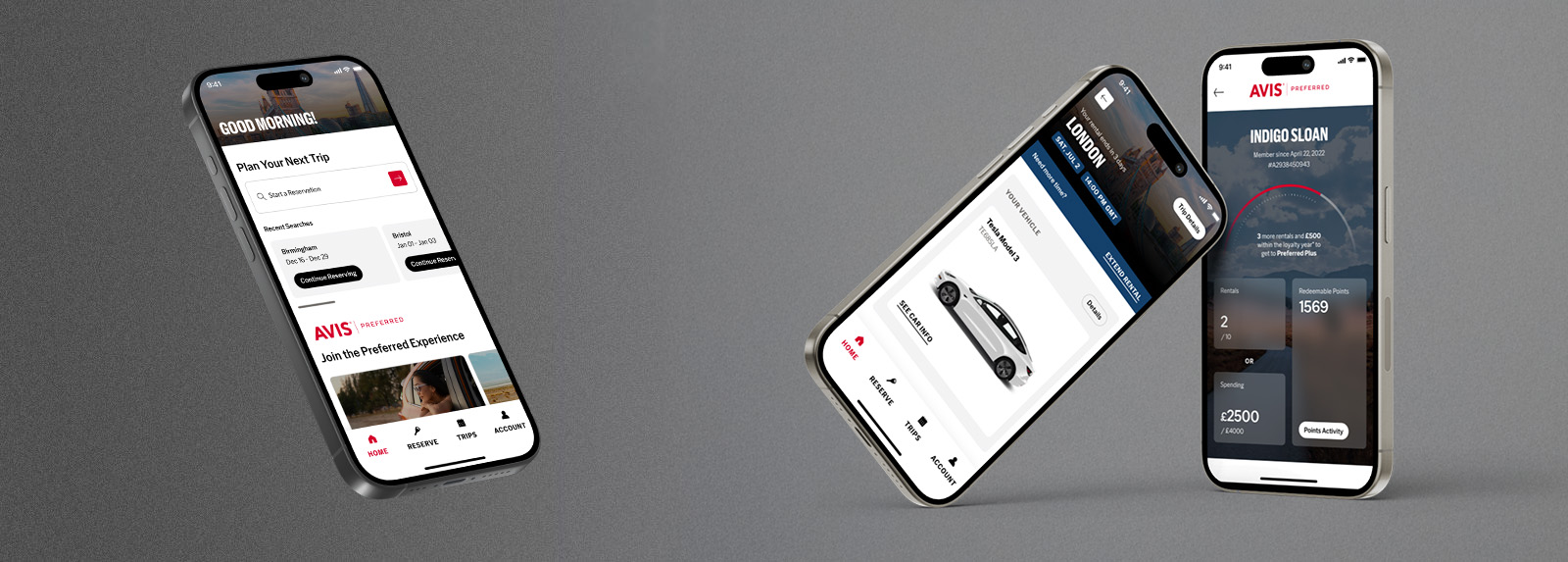
Avis iPhone Application
At Avis we like to keep car hire easy and simple. So we are created a step by step instruction guide to assist you when booking your vehicle through the iPhone application.
Homepage
Our homepage provides easy access to a range of useful functions which makes navigation through them quick and simple.
|
- Favourites – This saves your most used or predefined saved location, where once selected will pre-fill your rental locations without needing to search for them.
- Profile – Gives you direct access to your profile where you personal details are saved.
- Reservations – Navigates you to your booking history where you can retrieve all bookings made on the mobile website.
- Book Now – This will take you into reservation step one, where you can enter your details to get a quote.
|
Search & Select
This is where you select where and when you would like your rental. We have provided 3 ways to search for the Avis location and an easy to use date selector. We've also added a Google map functionality.
|
You can select your Avis branch by:
- List - When selected it will list by country, town and then by Avis branch.
- Nearby - It will plot your actual position via your phones GPS function and will bring up the closest branches to you.
- Text Box – Enables you to search by typing in the location where you require a vehicle.
Activate the date functionality by touching on the date field. Please be aware that an advanced booking of 4 hour is required when booking a vehicle.
For location directions, touch on the map button.
Select the get a quote button at the top right of the screen to proceed.
|
Quote & Vehicle Selection
This section contains a list of car groups available at the chosen Avis Branch.
|
- You can sort the list by touching the car icons on the top right hand side of your screen.
- It will categorise and list our fleet by small, medium or large size vehicles.
To proceed to the next step, please select the vehicle that you would like to book.
|
Vehicle & Rental Details
This step contains a summary of all the booking details.
|
- Vehicle Details – Contains the size, price and an example of the vehicle chosen.
- Price – Details of what is included in your quote
- Rental Details – Lists the booking parameters which includes dates and location selected.
To proceed touch the book now button at the top of the page.
|
My Details
Enter your personal details in the fields provided.
|
- Please read and accept the Terms and Conditions before proceeding.
- To speed up the process the details entered are saved and pre-populated for any future bookings.
Touch on the next button to proceed
|
Booking Summary
This is the final step of the booking process. The booking summary will display the booking details you've selected as well as the personal details entered.
|
- Please double check your details before confirming.
Touch on the confirmation button to proceed
|
Confirmation
Once your booking is confirmed you will be shown the confirmation page. This page will provide you with your reservation number and a summary of your booking.
|
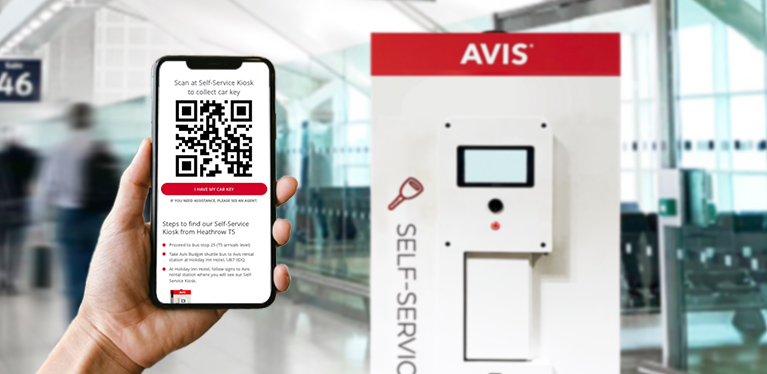
- The reservation number can be given to the rental station on collection of your vehicle this will pull up all you booking details.
- On collection of your vehicle please ensure you have a credit card available as well as a valid driving licence. For UK drivers renting in the UK your driving licence counterparts will also be required.
|
Extra Functions
|
More
This contains useful information from contact details to location information. It also contains your preferences, favourite destinations as well your predefined details and settings.
|
|
My Bookings
This is where your booking details are saved for your reference. You can recall your booking details which will display all the information that was summarised on your confirmation page and included your reservation number.
If you no longer require the vehicle for one reason or another, you are able to cancel you booking by opening the page and by touching the cancelation button.
|
We want your feedback
Help us create a service that betters your experience.
If you have downloaded the Avis iPhone application and would like to help, visit the Avis WeTryHarder blog and leave us a comment.